

Quickstart Guide to MaestroLearn how to open a Maestro account, create a project API key, and make your first request. Start building today!
Tutorial
1. Sign Up or Log In
👋 New to Maestro? Create an account for free here.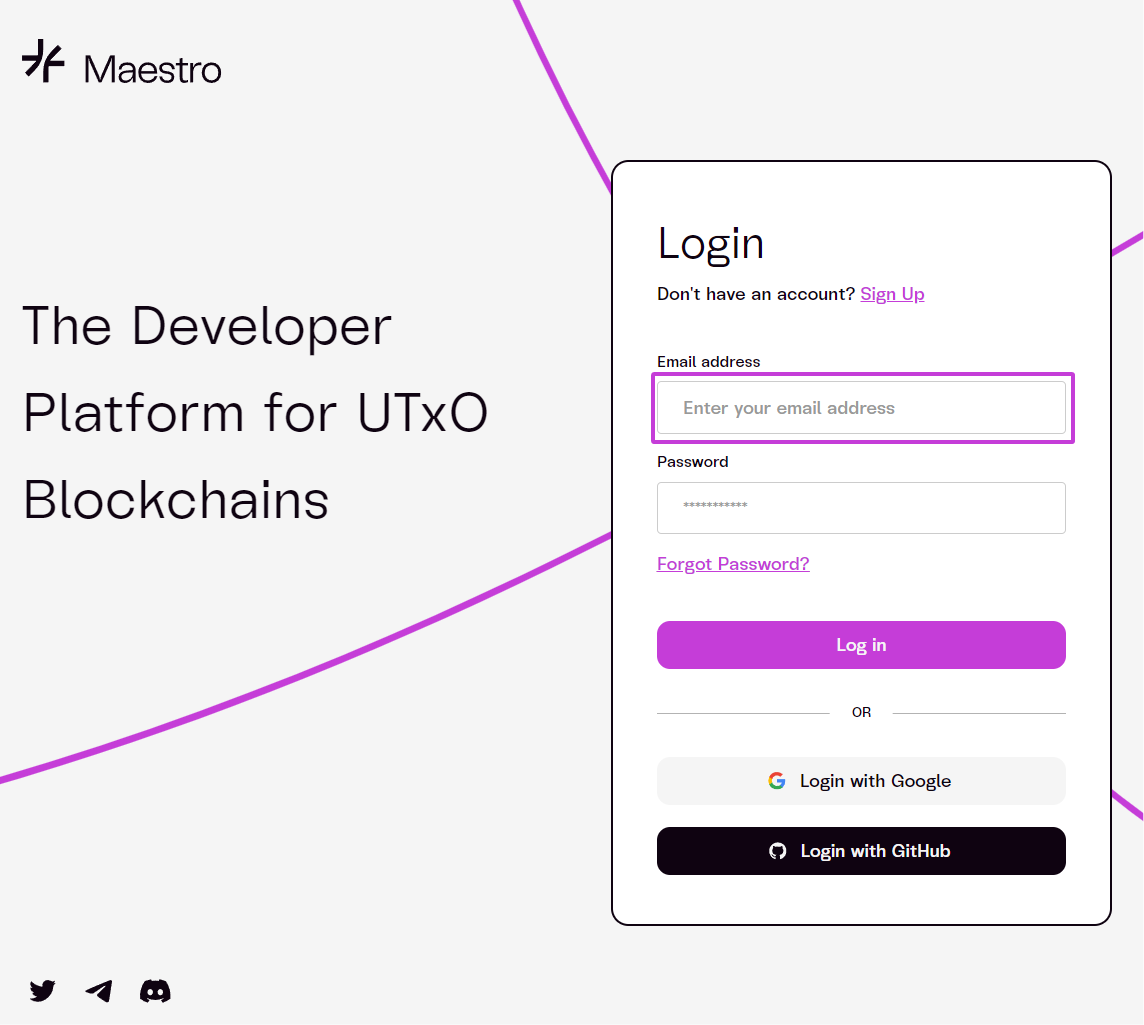
2. Create a Project
Once logged in to the Dashboard, you can create multiple API projects. Each project will generate a uniqueAPI key that authorizes your requests on the platform.
The total number of projects you can create depends on your active subscription tier.
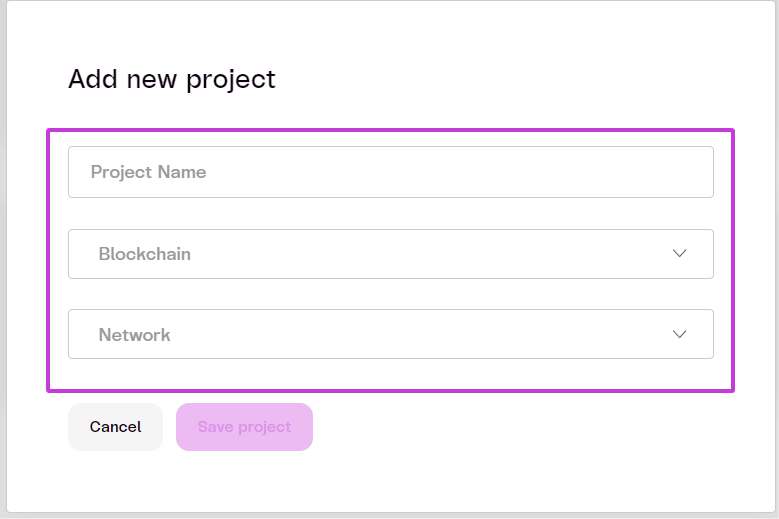
- Click on
+ New Project

- Add new project info
Project NameBlockchainNetwork
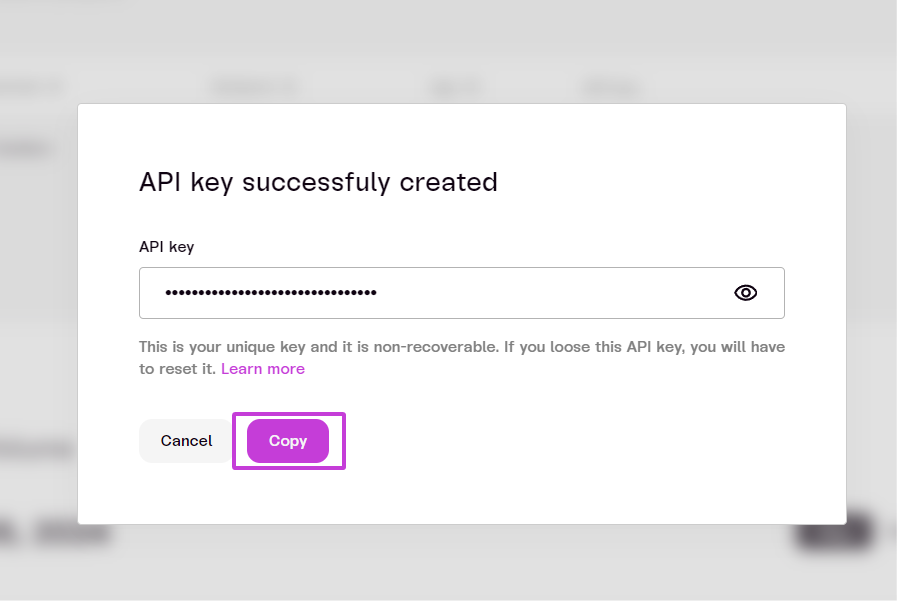
3. Copy the URL and API Key
4. Your Project Dashboard
The Projects section will list all created projects. In this example, we will use theCardano Preprod network.
- Copy the project’s
URLandKey.
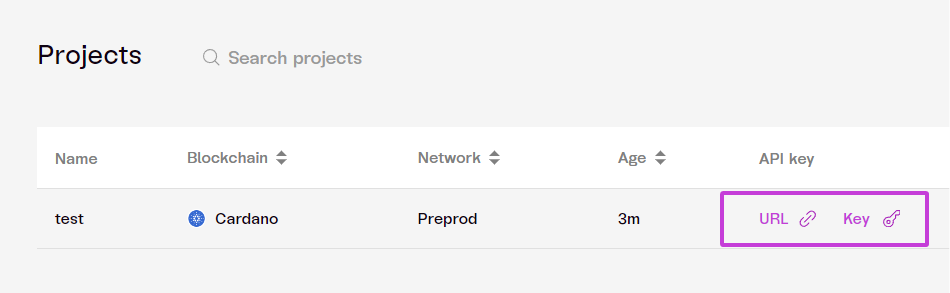
Each API key is specific to a project and will only function with the network you selected for that project.